


Get 40% Discount + Free Shipping On Kickstarter Launch Day
Only for early bird backers. We shall notify you before our campaign launch.
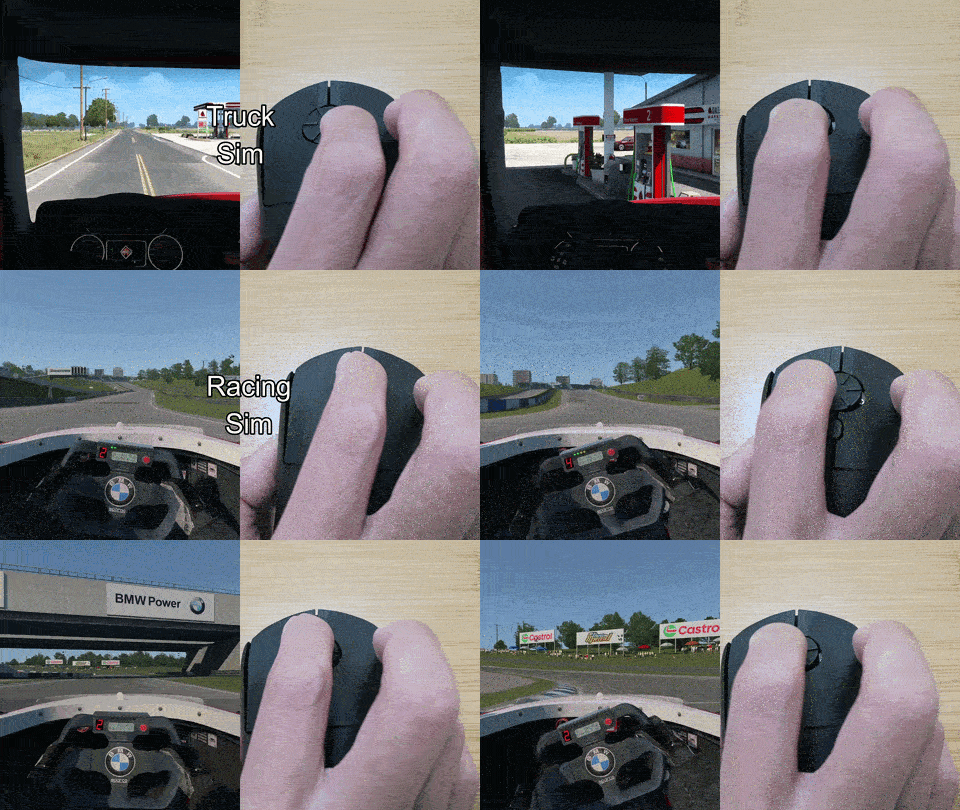
Use Cases
Know The Difference
Independent Reviews
“It just feels like a softer, more fluid motion compared to repeated flick scrolling… I can absolutely see why this design could be genuinely useful and even feel a bit therapeutic.” — The Honest Gadget*
“This is one of those products where the moment you use it, you will know instantly just how useful it is.” — Teoh on Tech**
“It wasn’t uncomfortable at all.” — Sonia is Okay*
“I ditched the standard mouse for this” — Jesselyn, Hey Bubbles Studio*
It was very comfortable to use, with ease of access. It felt more natural on the hand and fingers for avoidance of stress and strain. I would recommend it to my posture ergonomics clients.
What People Say
Actual Feedback From Customers and Testers
Featured In
Thank you for the coverage
Why It Works

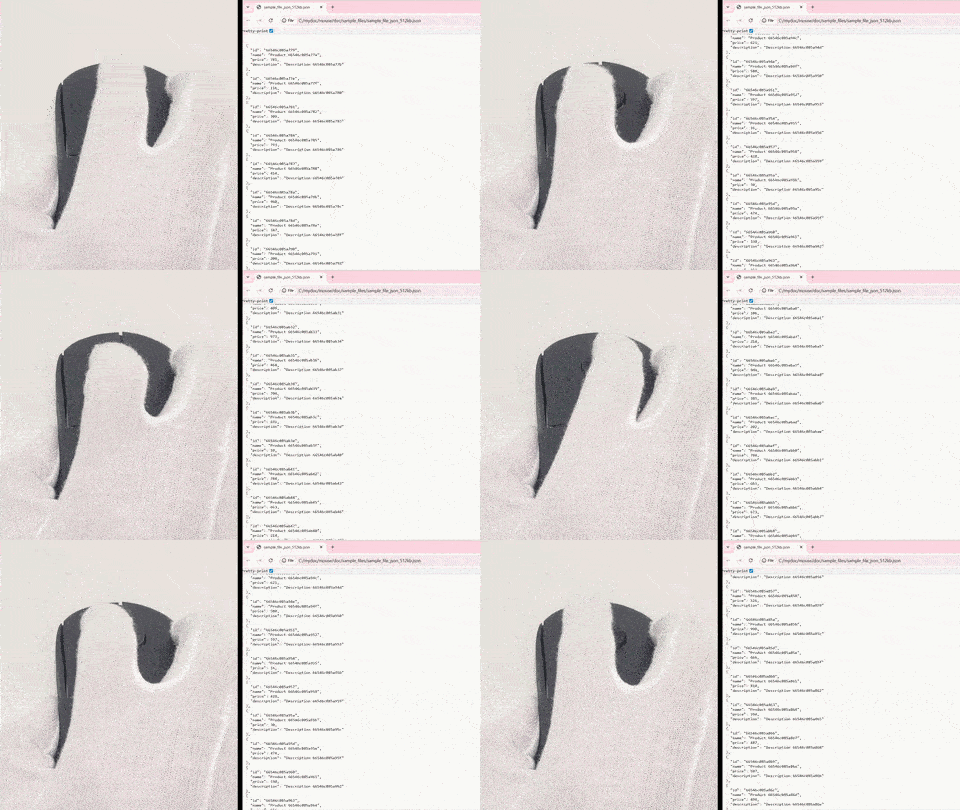
Scroll 2.5 Times Faster Yeah
You scroll faster than any standard mouse.

Feel The Steps In Every Turn
Each click of the wheel gives you tactile feedback

Rejuvenate Your Finger
Reduce finger joint pain by incorporating range of motion (ROM) exercise.


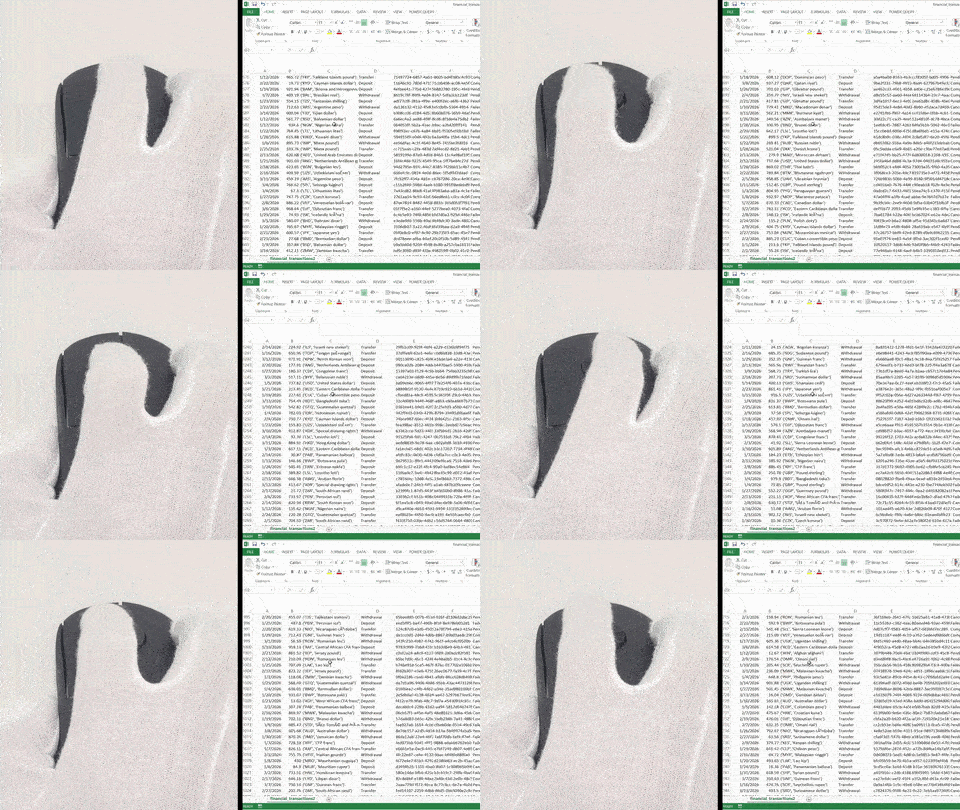
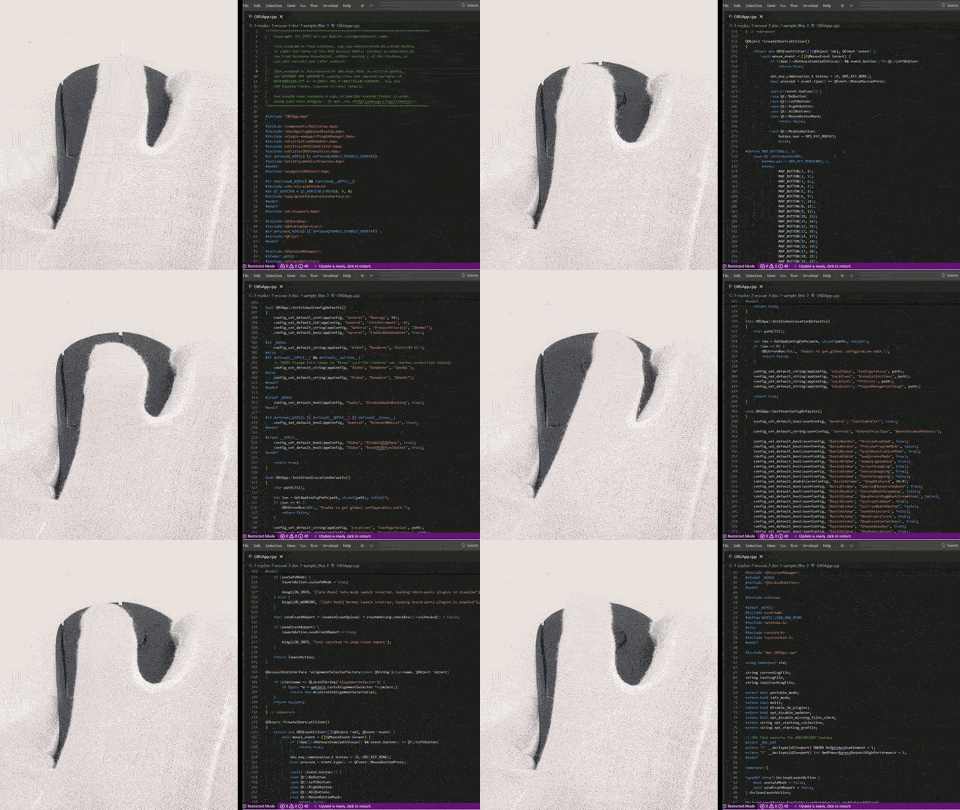
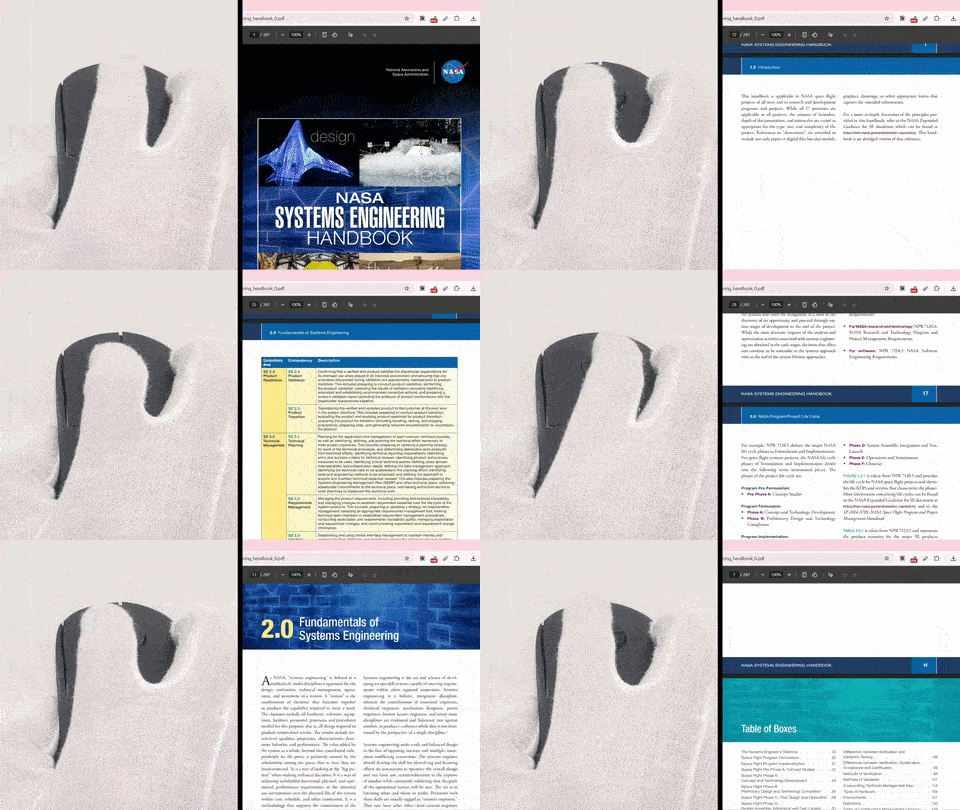
Fly Through Content
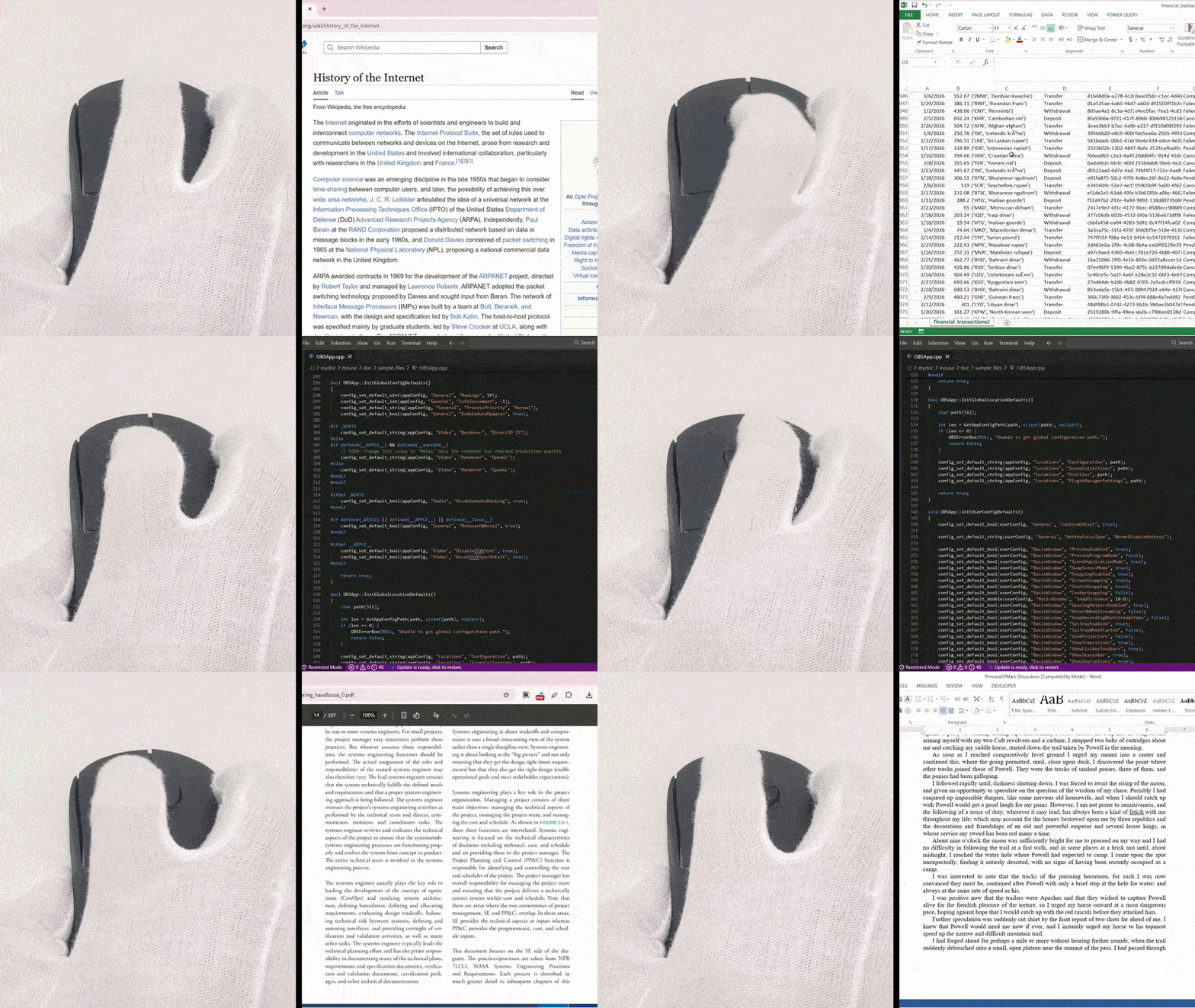
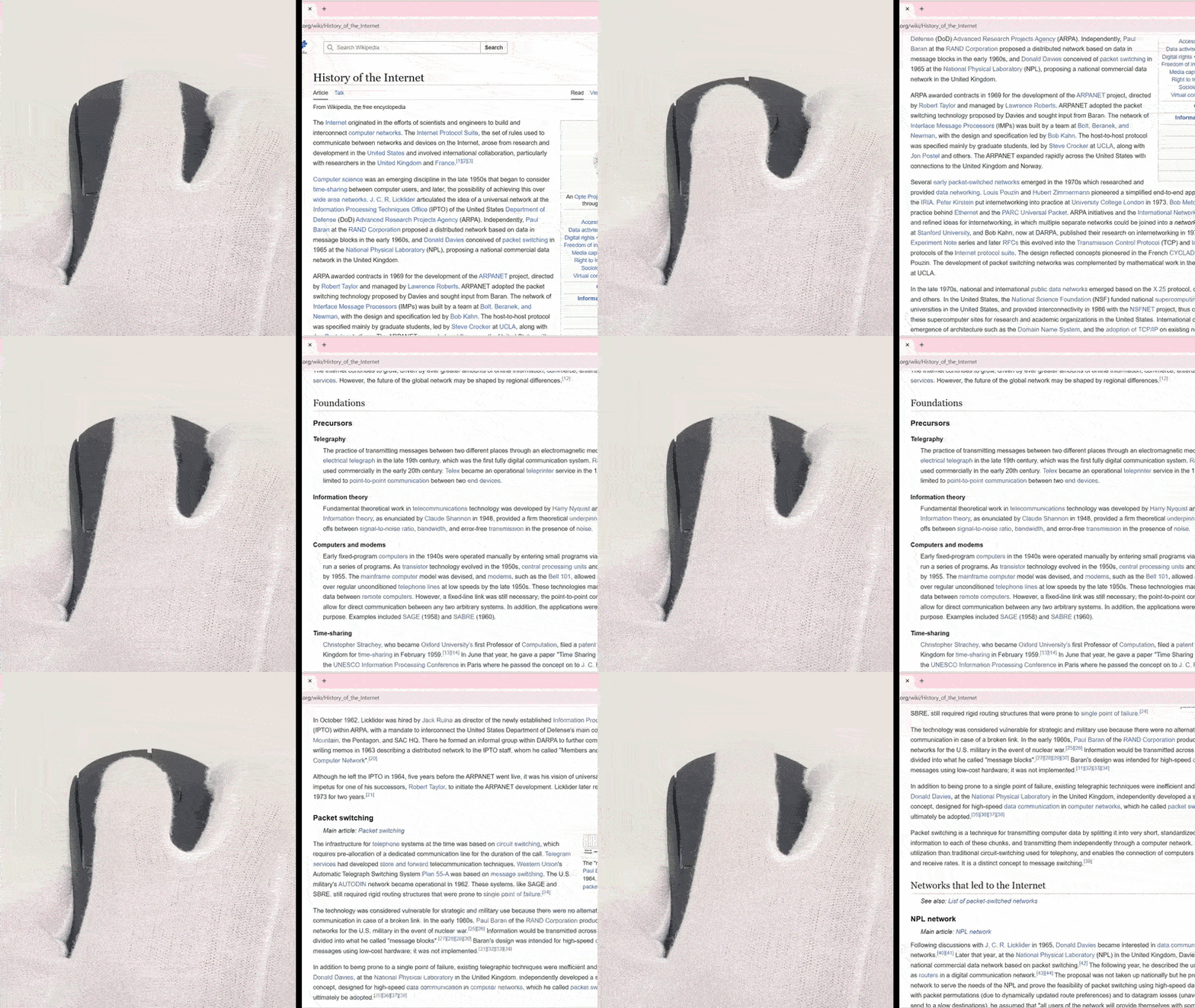
Best for browsing websites, docs, spreadsheets, codes and more.

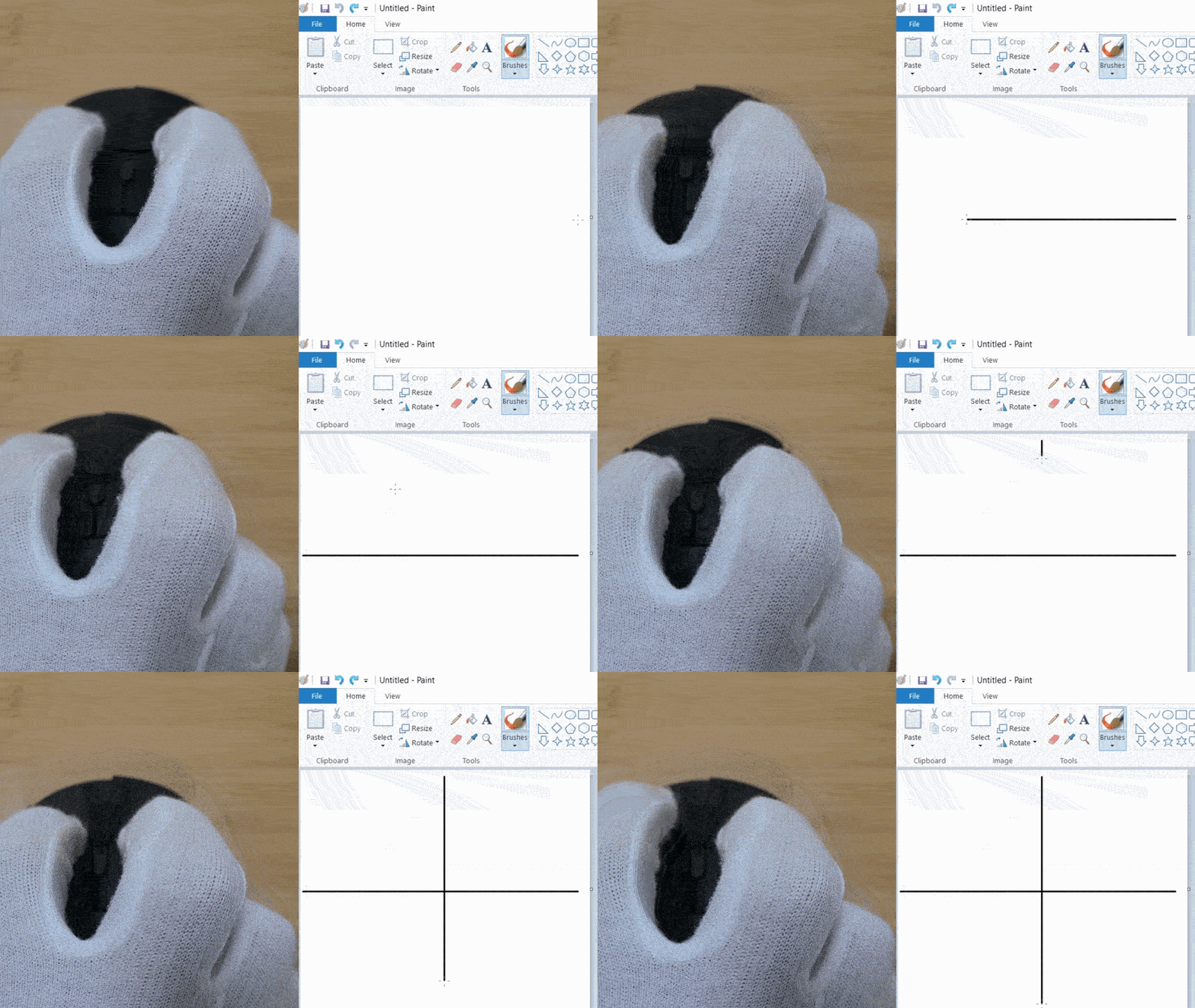
Also Supports Vertical Scrolling
You still can keep the old habit.

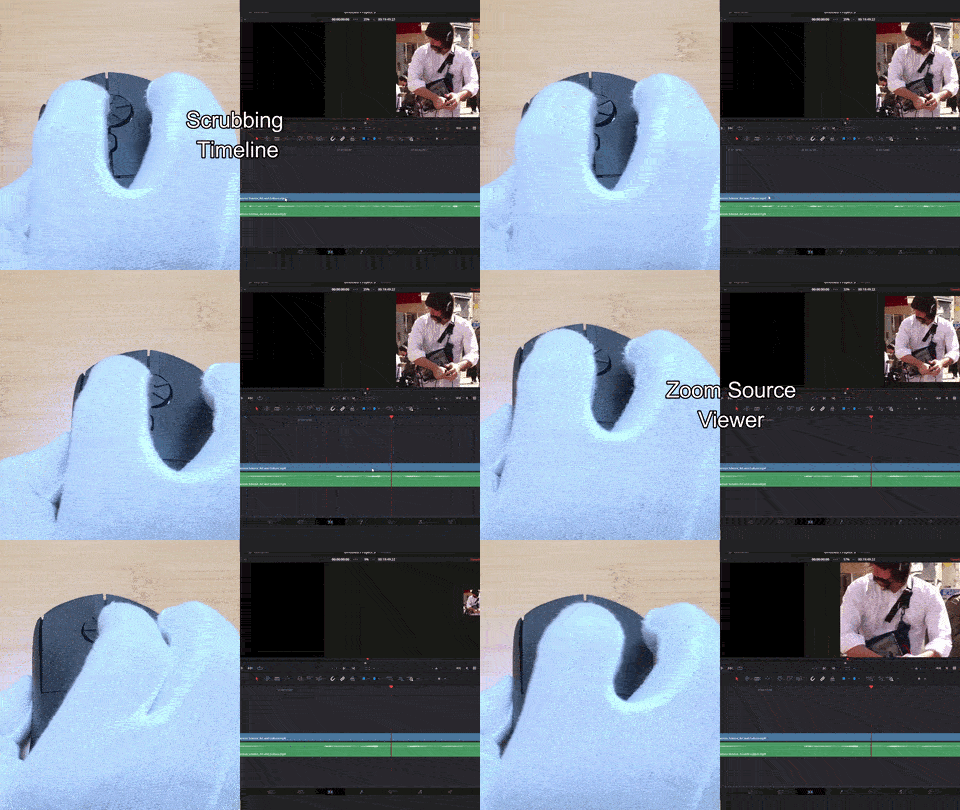
Jog Wheel Replacement
The rotary wheel can act as a jog/shuttle controller used in video editing on DaVinci Resolve, Adobe Premiere Pro, and Final Cut Pro.

Menu Effects Pro
Use one of the several cool menu effects to spice up your next great website.

All Header Variants Pro
Vertical & Horizontal (Classic, Full Width, Menu Below, Centered) at your fingertips.

One Page Mode
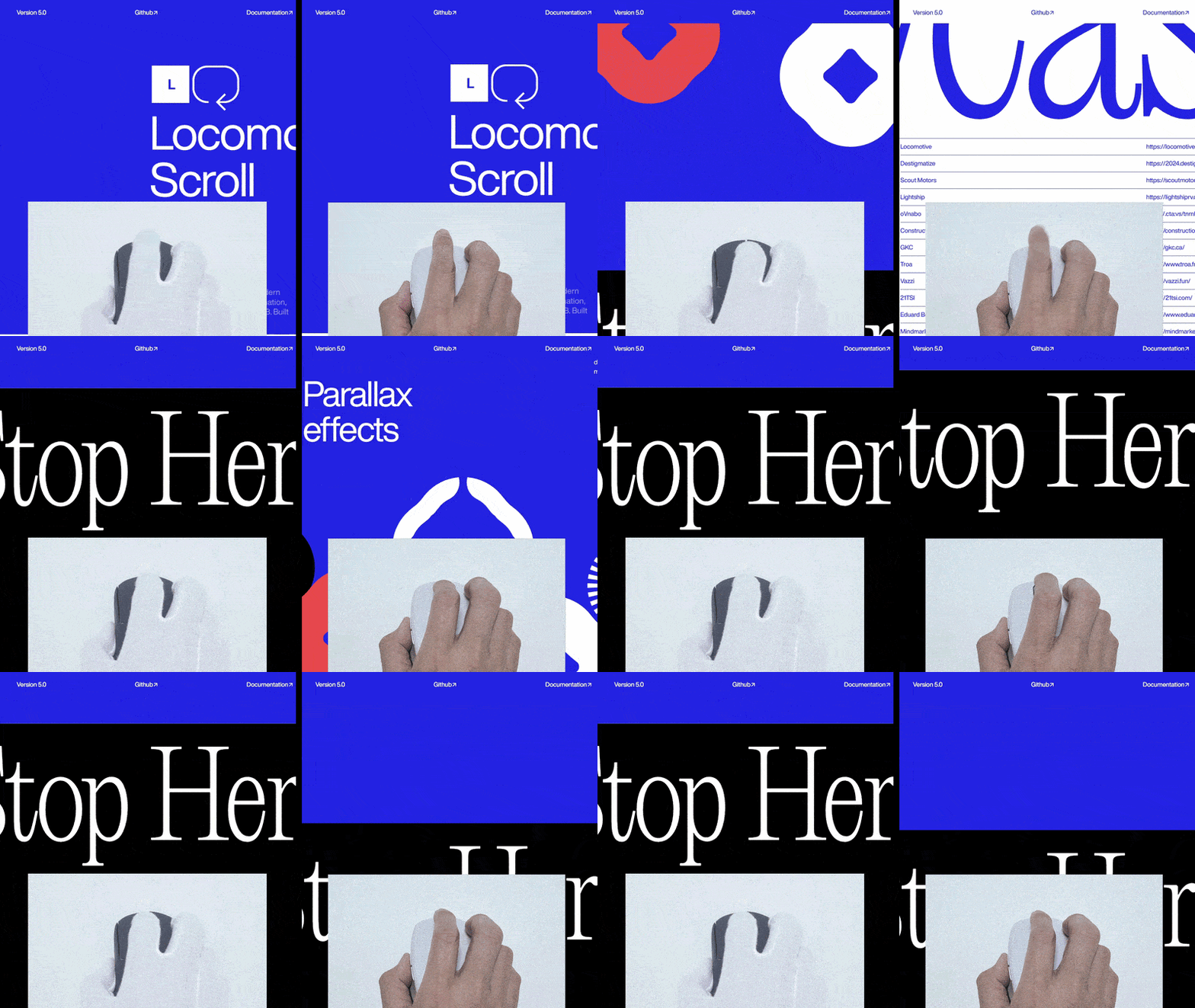
Need great looking landing page? Use OnePage mode and create a stunning parallax site.

Why We Built It

Our founder had joint strain in the finger
Constant vertical scrolling hurts finger joints.

Stirring motion relieved the pain
Range of motion (ROM) exercise helps to alleviate the pain in finger joints.

We Doubled The Scrolling Speed
We unexpectedly boost the scrolling speed by 2.5 times.

Specifications

Connectivity
2.4GHz wireless connectivity with USB receiver

Dimensions
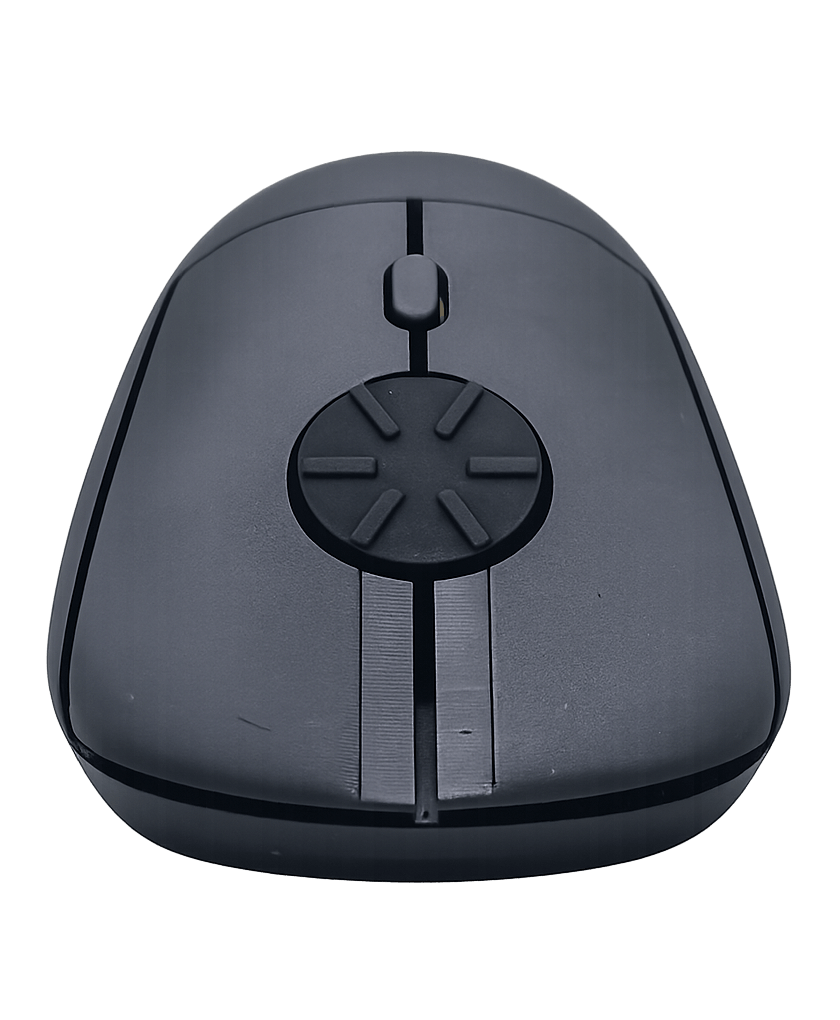
119 mm in length, 64 mm in width, and 40 mm in height (4.72 in × 2.52 in × 1.57 in)

Weight
59 g / 2.08 oz (without battery)

Buttons
Silence left/right buttons with middle and DPI button

Sensitivity
800 / 1200 / 1600 DPI

Operating Systems
Windows, Mac OS, Linux, Android, etc

Power Source
1 x AAA battery (included)

Colors
Matte or metallic black. More colors coming soon!

Ergonomic Variant
Horizontal and vertical versions available
Get Refund With No Return
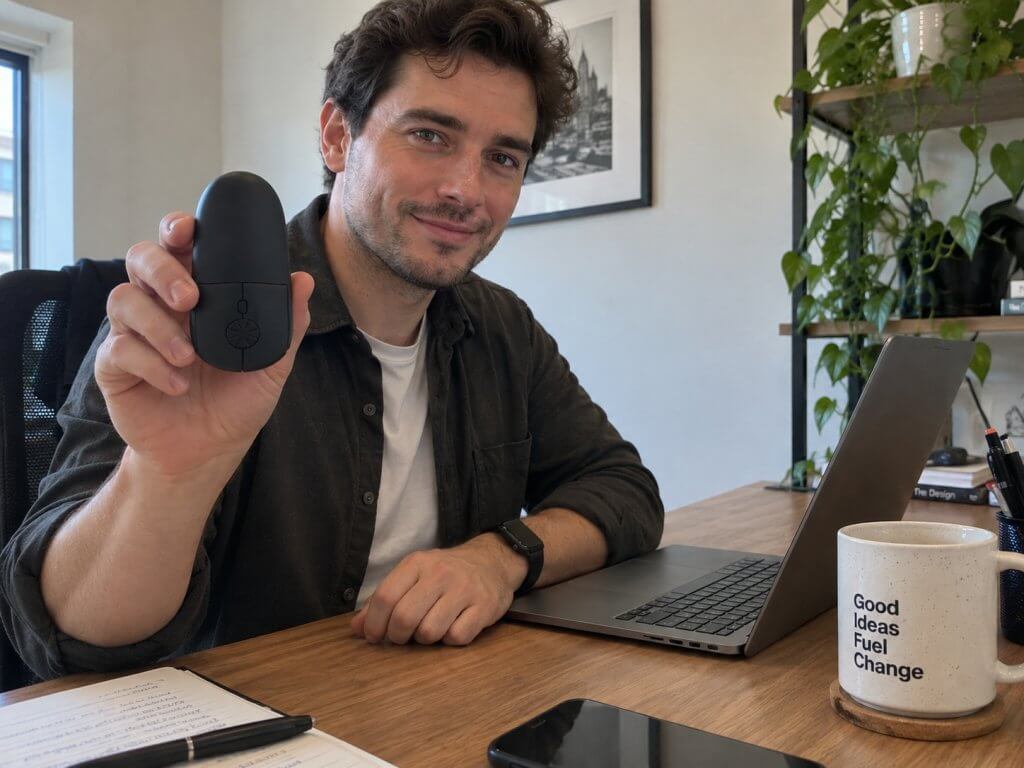
Get yours now with 30-day money-back guarantee. Get a full refund without needing to return the mouse.
FAQ
Usability
Does this rotary mouse feel unnatural?
To most people, it feels totally natural. Some independent reviewers and testers even mentioned that their finger joint feels better after using. Nonetheless, this mouse also supports the regular vertical scrolling that you are used to.
Can I still do vertical scrolling with this mouse?
Yes, absolutely. You can just turn the rotary wheel in a half-circular motion by vertically flicking.
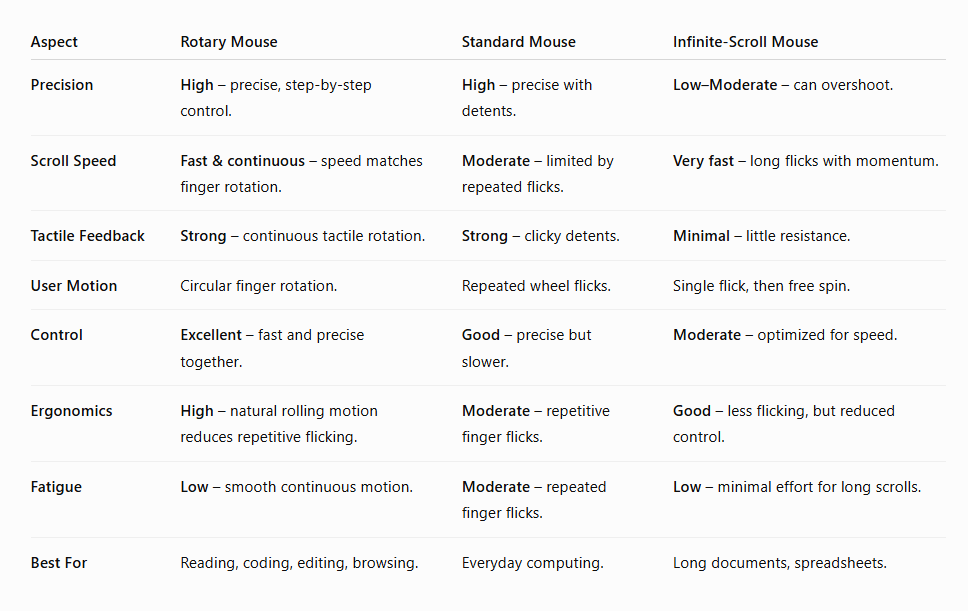
How is it different compared to infinite scrolling?
Unlike infinite scrolling wheels that spin freely with almost no control, the rotary wheel scrolls in precise clicks — or detents. Each small bump gives you tactile feedback, so you can scroll quickly while still controlling exactly where you stop. Here’s how an independent reviewer compares our rotary wheel with infinite scrolling.
Can I reverse the scrolling direction?
Yes, you can. On Windows 10, you can reverse the direction using X-Mouse Button Control (free software). On Windows 11, you can go to the Mouse Settings page and enable the reverse scrolling toggle. On Mac OS, go to the Apple menu → System Settings (or System Preferences), then click “Trackpad or Mouse” and toggle off “Scroll direction: Natural.” By default, the mouse scrolls down when you rotate counterclockwise, mimicking Windows-style scrolling.
Does it fit all hand sizes?
We designed this version to accommodate a general range of hand sizes. However, it may not be an ideal fit for everyone, particularly those with significantly smaller or larger-than-average hands. We aim to produce smaller and larger models in the future.
Does this mouse support different mouse grips?
Different people have different mouse gripping styles, such as palm grip, claw grip, fingertip grip, pincer claw grip, and more. Our founder uses a relaxed claw grip, and it feels great for him. Different testers with different grip positions have tested our mouse, and most do not complain.
What would be the best use for this sort of mouse?
This mouse is best for those who scroll a lot. Such as people who often read many websites, read or write long documents and spreadsheets, write codes or do lots of video editing work.
Can this mouse replace a jog wheel?
Yes, indeed it can. It can perform the same function as a jog/shuttle controller in DaVinci Resolve, Adobe Premiere Pro, and Final Cut Pro. Video editors use it to smoothly scrub timelines, jog frame-by-frame, zoom in and out, or navigate clips with precise clickable detents.
Why you came out with this mouse idea?
Our founder has been suffering from finger joint pain due to constant vertical scrolling.
What is the polling rate?
The mouse operates at the standard 125 Hz polling rate, which is typical for productivity-focused devices. This ensures stable, consistent tracking without unnecessary power consumption for creative work, editing, and everyday use. This rate is also ideal for casual gaming and provides smooth movement without extra strain.
Specifications
Does your Rotary Mouse come with different colors or sizes?
Yes, we shall be offering different colors and sizes, which include a smaller version and colors such as white, gray, blue, and more. However, during our crowdfunding campaign, we’re only offering one size and one color – matte black.
Does it come with a middle button?
Yes, our current version comes with a middle button where you just need to press the middle of the wheel to trigger a click.
Does it come with side buttons?
This version does not incorporate side buttons but future models will have them.
Will you be producing a wired mouse?
Yes, absolutely. But not during our crowdfunding campaign.
Will you be producing a gaming Rotary Mouse?
At the moment, we have no plans to develop a gaming version. But we have plans to reduce the weight of the mouse and to further improve its sensitivity (DPI) and button response time.
Updates
September 15, 2026
- Improved rotary wheel touch interface
August 17, 2026
- Begin production for Kickstarter backers.
- Improved the strength of the housing plastics.
August 8, 2026
- Improved the bottom shell design.
- Improved the proprietary rotary component.
August 3, 2026
- Improved the design of the left and right button levers.
- Fixed an issue with the rotary wheel.
- Improved the battery cover design to increase durability.
* Reviewers/testers were not compensated. They received a complimentary sample unit solely for testing purposes. All opinions expressed are their own.
** Reviewers received a nominal review fee and a free sample unit. All opinions expressed are their own.
*** Actual paying customer.
